2026 Spring Comedy Headliner – Josh Johnson
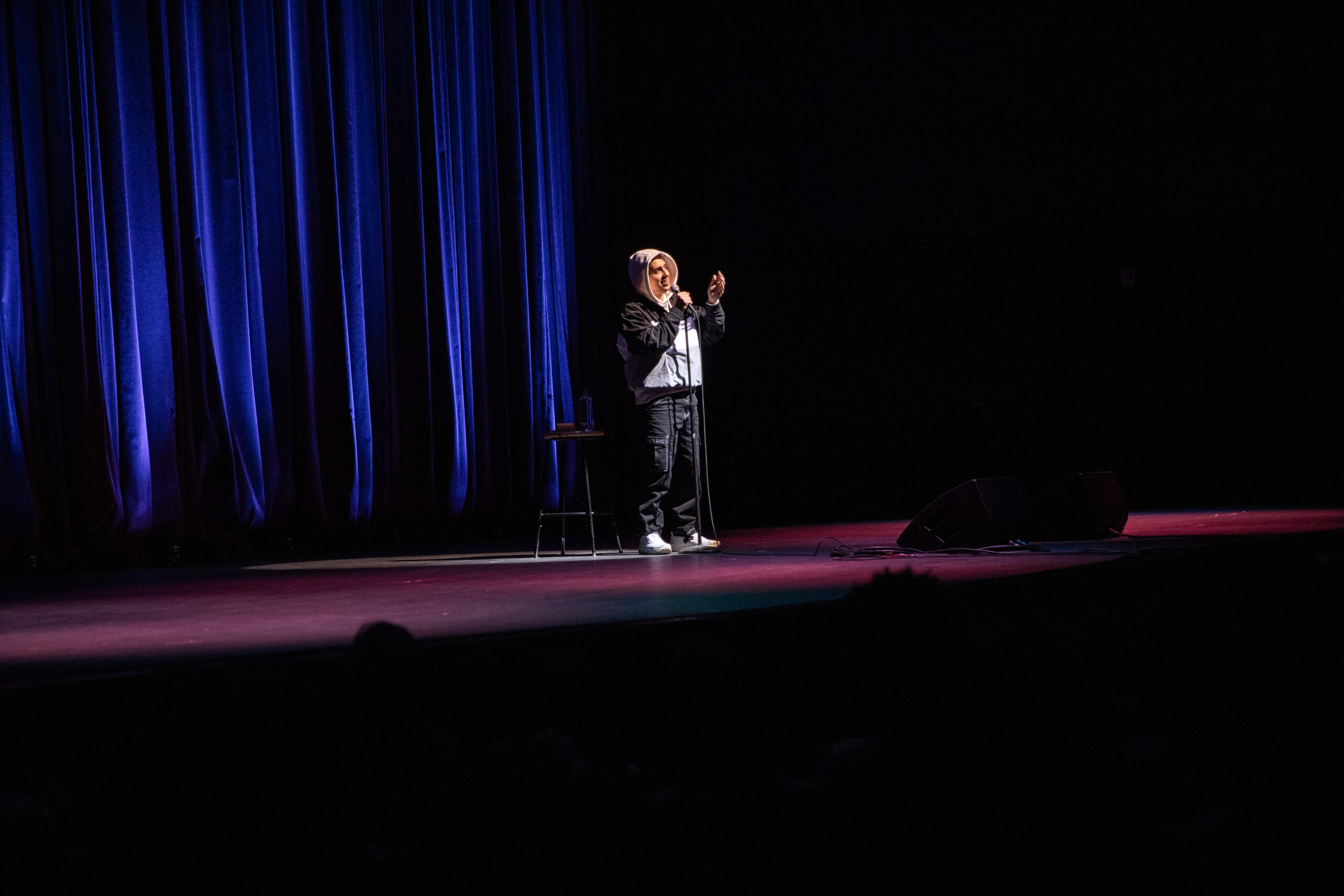
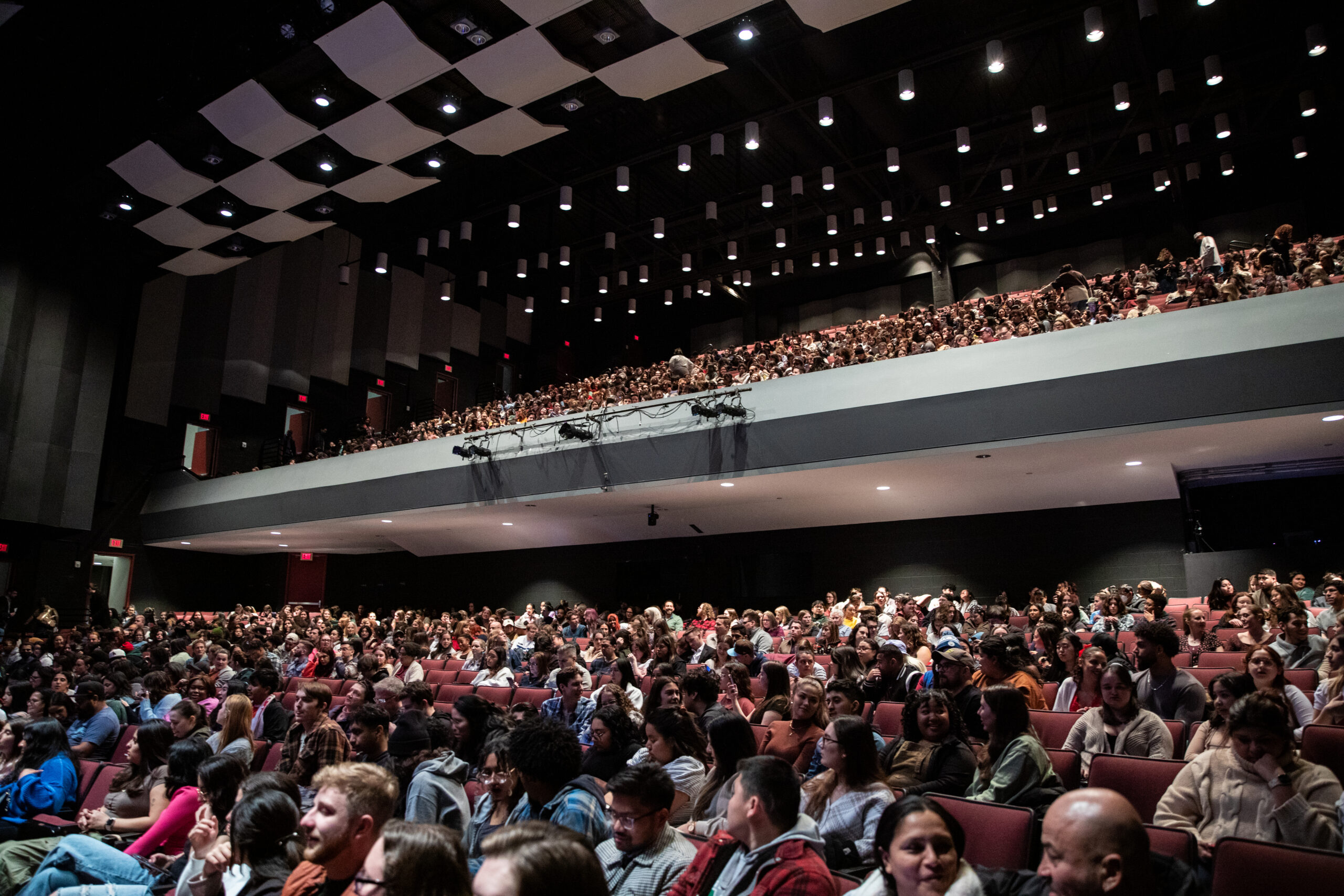
This phenomenal comedian is coming to campus for one unforgettable night at The Center for the Arts. Don’t miss this event full of viral moments and big laughs!

Join us on February 5, 2026 at the Center For The Arts
Show Starts: 9:00 pm | Doors Open: 8:00 pm
Student Presale Tickets will go on sale Thursday, December 4th at 9:00 am
Tickets will go on sale Tuesday, December 9th at 10:00 am
Tickets can be purchased online by using the link in our bio or in person at the Center For The Arts Ticket office or the Student Involvement Office in Hub room 2300 (Mason Money ONLY). Tickets for Mason students (Limit 2).
Tickets purchased online or by phone will incur a $4 fee per ticket. This show is intended for an audience aged 18+.
With over 7 million followers across his social media, Josh Johnson was recently called “the funniest guy on the internet” by WIRED and is a star on the rise. He is an Emmy-nominated writer, stand-up comedian, actor, and NAACP award-winner from Louisiana by way of Chicago. Johnson is currently a rotating host and correspondent on Comedy Central’s Emmy & Peabody Award-winning program The Daily Show where he was previously a writer for seven years. Johnson is also a former writer and performer on NBC’s The Tonight Show Starring Jimmy Fallon, where he made his late-night debut in 2017.
As a stand-up, Johnson headlines theaters, clubs, colleges, and festivals around the world and you can currently find him on his FLOWERS TOUR. He is also a prolific writer and performer who puts out weekly stand up sets on his YouTube channel. In 2024, Johnson released 28 hours of stand up and he is on track to exceed that amount this year. The content on his YouTube channel has been viewed over 340 million times by people all over the world.
How to Purchase Tickets:
- Click the link above to purchase tickets.
- You can choose the number of tickets you would like to purchase. You may only purchase up to 2 tickets at the student price. All additional tickets purchased will be at the standard ticket price.
- Click OK.
- Click on the seat map to select your preferred seats. Once you have selected your seats, click the green bar at the bottom of the screen.
- In the pop-up, click on Mason Student or click “edit” underneath the “Standard” ticket and select Mason Student for up to two tickets.
- Your ticket price will change to $9 ($5 plus a $4 service fee for purchasing online)
- Click the green “Continue” button. You will be asked to log in to the ticketing system. If you need to create an account, do so now.
- You will need to log in using your Mason email address or you won’t be able to purchase at the student ticket price.
- Follow the prompts to purchase your tickets. Click the green “Place Order” button.
- You will receive a confirmation email from [email protected] within 15 minutes. Within 30 minutes, you will be able to log in and view your tickets.
- You are all set!